Border inspection system guidelines
2-10 Example error messages (screenshots)
9 Example error messages (screenshots)
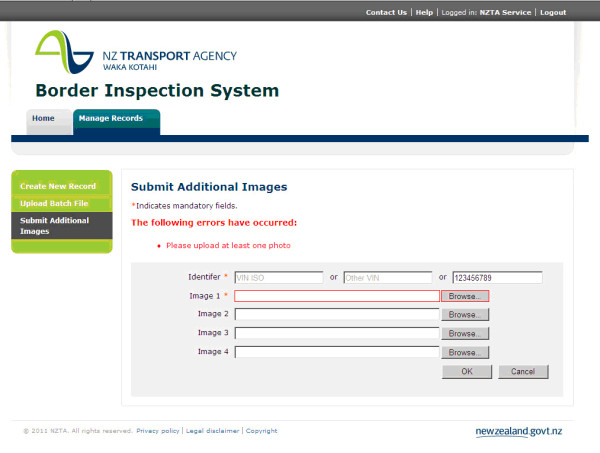
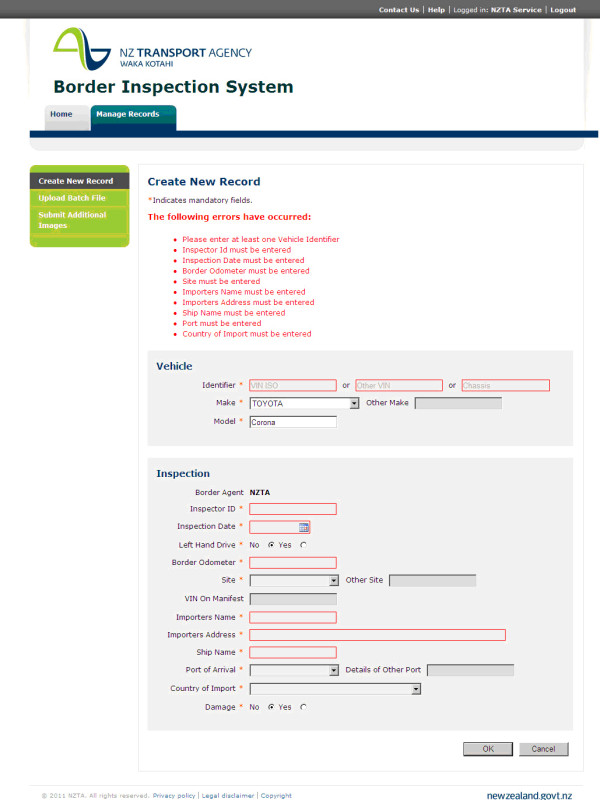
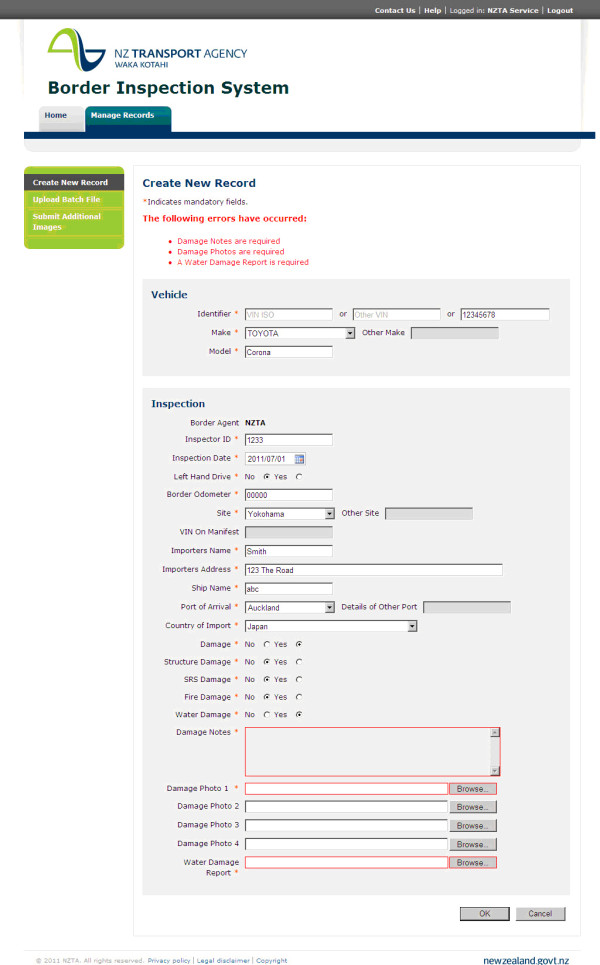
Error messages
When insufficient or incorrect information is entered by the user, an error message will display.
The message appears at the top of the page in red font and fields that require populating are also highlighted in red.
Example 1: Create new record
Example 2: Create new record
Example 3: Submit additional images